Spire.PDF supports to print a PDF in greyscale. This article is going to show you how to use Spire.PDF to accomplish this function.
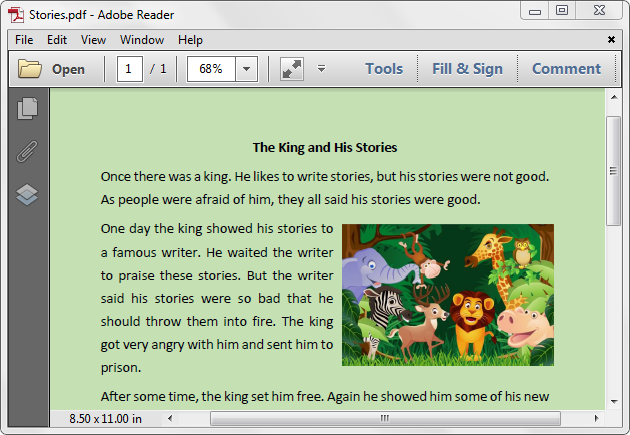
Below is the example PDF file we used for demonstration:
Detail steps:
Step 1: Create a PdfDocument instance and load the PDF file.
PdfDocument pdf = new PdfDocument();
pdf.LoadFromFile(@"Stories.pdf");
Step 2: Set the PdfPrintSettings.Color property to false.
pdf.PrintSettings.Color = false;
Step 3: Print the document.
pdf.Print();
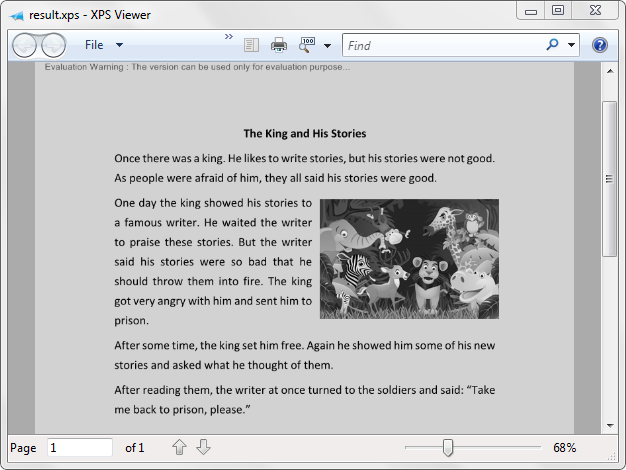
Screenshot after printing to xps:
Full code:
using Spire.Pdf;

namespace Print_PDF_in_Black_and_White
{
    class Program
    {
        static void Main(string[] args)
        {
            PdfDocument pdf = new PdfDocument();
            pdf.LoadFromFile(@"Stories.pdf");
            pdf.PrintSettings.Color = false;
            pdf.Print();
        }
    }
}