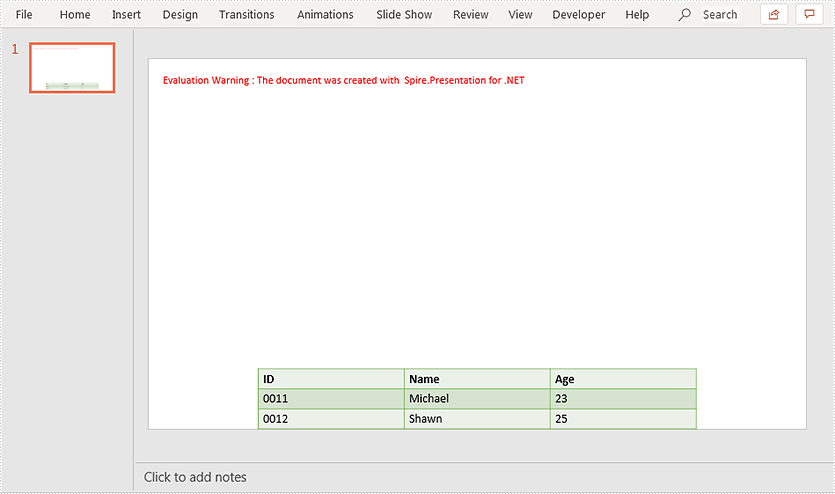
Spire.Presentation supports setting alignment for table in a PowerPoint document. This article demonstrates how to align a table to the bottom of a PowerPoint slide using Spire.Presentation.
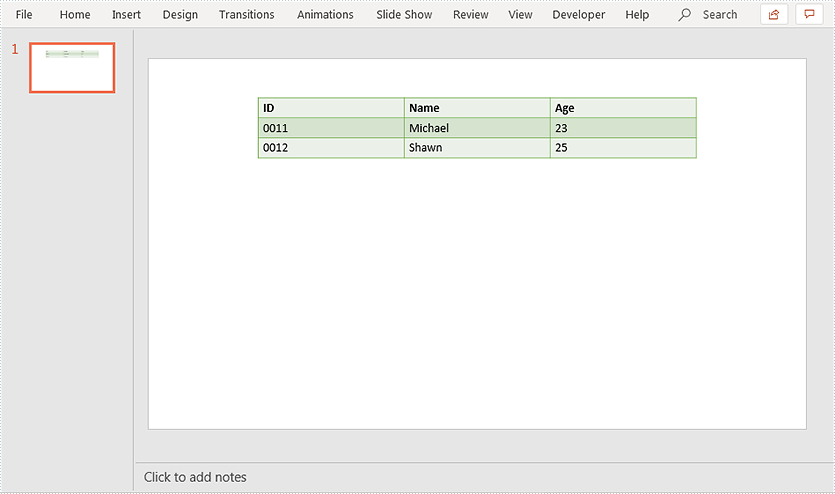
Below screenshot shows the original table before setting alignment:
using Spire.Presentation;

namespace AlignTable
{
    class Program
    {
        static void Main(string[] args)
        {
            //Load PowerPoint document
            Presentation ppt = new Presentation();
            ppt.LoadFromFile("Table.pptx");
            ITable table = null;
            //Loop through the shapes in the first slide
            foreach (IShape shape in ppt.Slides[0].Shapes)
            {
                //Find the table and align it to the bottom of the slide
                if (shape is ITable)
                {
                    table = (ITable)shape;
                    table.SetShapeAlignment(Spire.Presentation.ShapeAlignment.AlignBottom);
                }
            }

            //Save the resultant document
            ppt.SaveToFile("Result.pptx", FileFormat.Pptx2013);
        }
    }
}
Output: