Try Online Editing with Spire.ExcelJS Now!
Supported File Formats
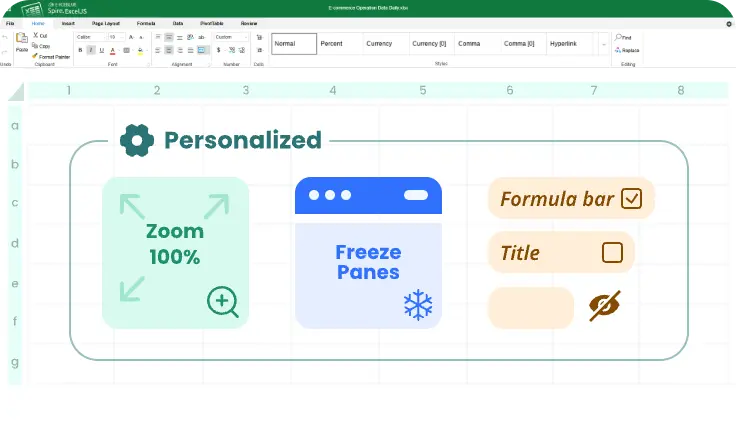
Enables personalized Excel interface settings. Users can hide the title and formula bars, freeze panes, and adjust zoom levels for different using scenarios.
Covers essential Excel operations, including formulas and functions, cell formatting, data validation, sorting and filtering, freezing panes, and merged cells.

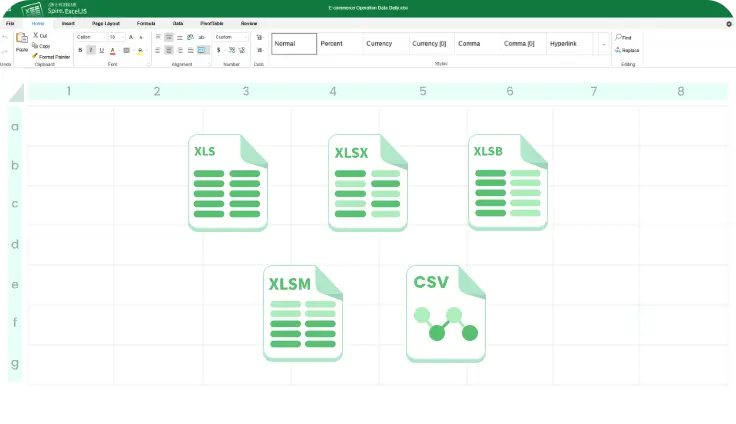
Supports .xlsx, .xls, .csv, and .xlsm with full style and layout preservation for seamless in-browser editing.
Offers front-end–controlled permissions, including read-only, edit, and comment access, with server-side encryption and secure transmission.

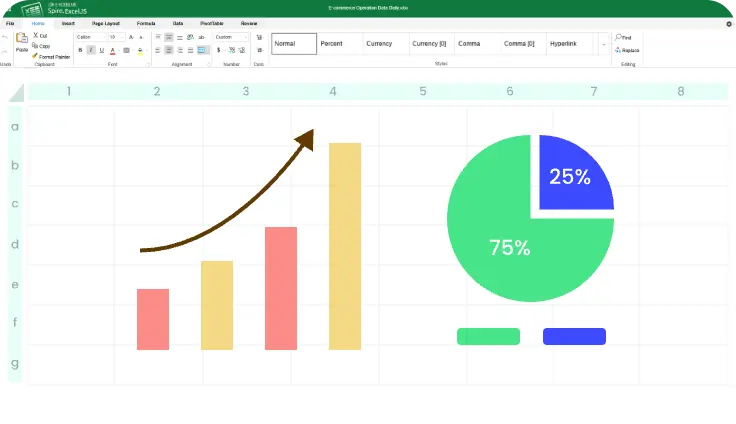
Supports creating and editing common Excel charts, including column, line, pie, and area, with flexible control over colors, labels, data ranges, and layouts.
Runs fully in the browser with no plugins required and supports major browsers for real-time saving and synchronization.
Fully compatible with Microsoft Excel formats, ensuring accurate rendering of sheets, formatting, formulas, and charts across platforms.
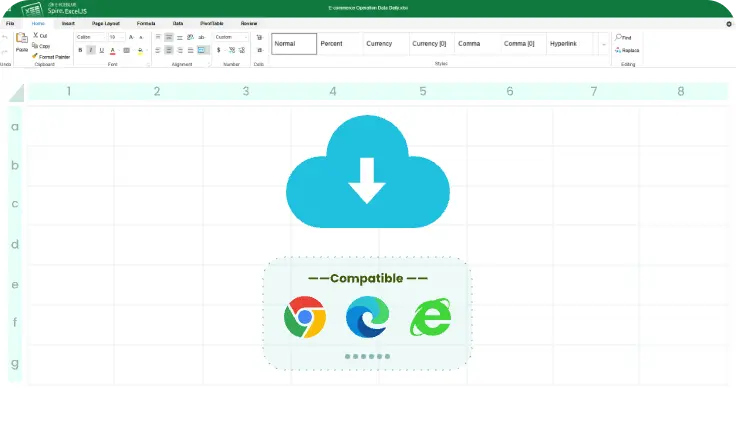
Purely web-based and compatible with major browsers. No plugins or clients required for instant access and easy deployment.
Offers REST APIs and SDKs to seamlessly integrate Excel processing into existing systems and automated workflows.
Supports multi-region deployment, automated backups, and enterprise-grade access control to meet security and compliance needs.
Provides multiple plans and customizable modules to match different business scales, use cases, and budgets.
Delivers complete Excel functionality from editing and formulas to validation and charts and supports data entry, analysis, reporting, and automation.