Try Online Editing with Spire.PresentationJS Now!
Supported File Formats
Supports image upload and in-browser image editing, including size, position, borders, and styles, with support for hyperlinks and notes.
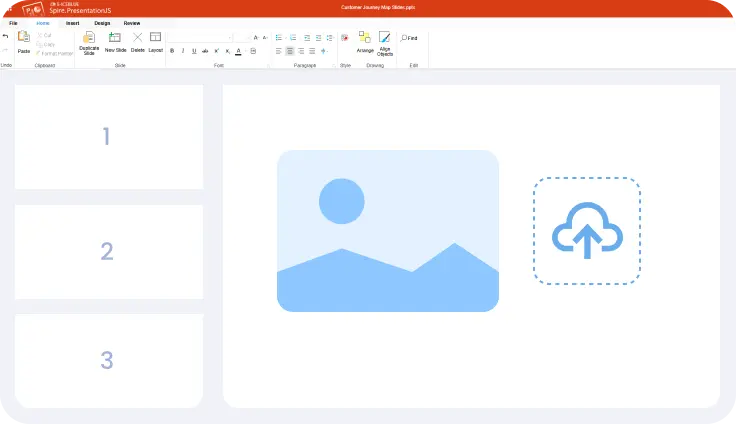
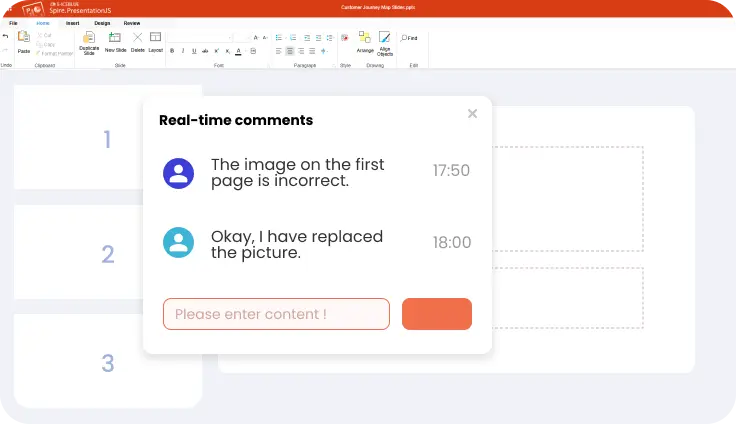
Add comments to slides and manage feedback efficiently. Real-time synchronization keeps discussions up to date across collaborators.
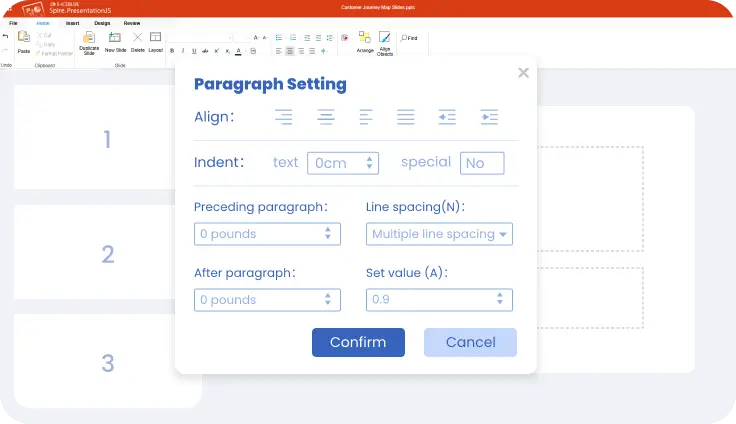
Provides precise text control for presentations. Paragraph styles, lists, spacing, shadows, and outlines can be adjusted to achieve clean, professional typography.
Runs fully on the front end with no Microsoft Office, servers, or plugins required. On-demand loading keeps it lightweight and fast to integrate.
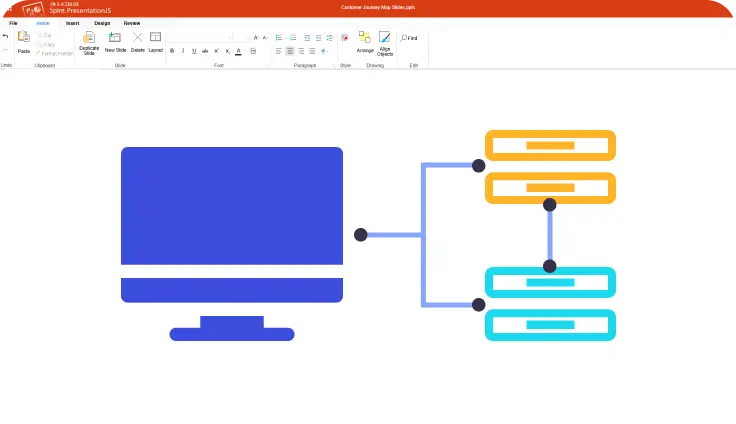
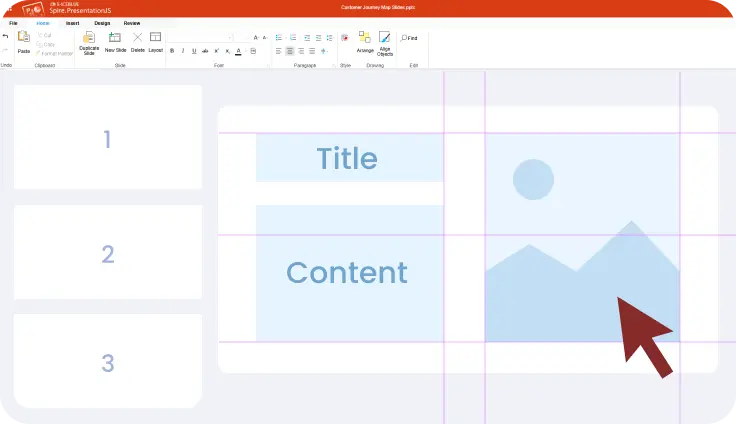
Provides smart snapping, alignment guides, and equal spacing tools. Help create clean, well-balanced slides with less manual adjustment.
Supports front-end encryption, permission controls, and access management to protect presentation data during viewing, editing, and sharing.
Highly compatible with Microsoft PowerPoint formats. Accurately renders text, shapes, images, and layouts across browsers and platforms.
Runs entirely in the browser with no Microsoft Office or plugins required. Loads quickly and enables access anytime, anywhere.
Offers flexible integration with applications, business systems, and e-learning platforms. Supports automation, dynamic data binding, and batch workflows.
Designed for enterprise deployment with authentication and access control support. Enables local or private processing to meet security needs.
Supports multiple integration models and licensing options. Allows customization of toolbars, UI themes, permissions, and features to fit specific workflows.
Delivers full PowerPoint functionality, including text editing, shapes, images, charts, tables, master slides, and themes.