Try Online Editing with Spire.WordJS Now!
Supported File Formats
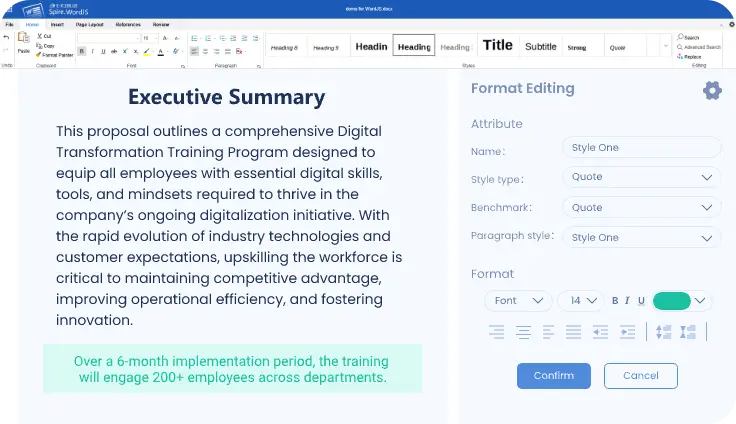
Spire.WordJS provides a comprehensive set of style options for headings, body text, quotes, and more. Create and apply custom style templates with one click to maintain consistent corporate branding and enhance document appearance.
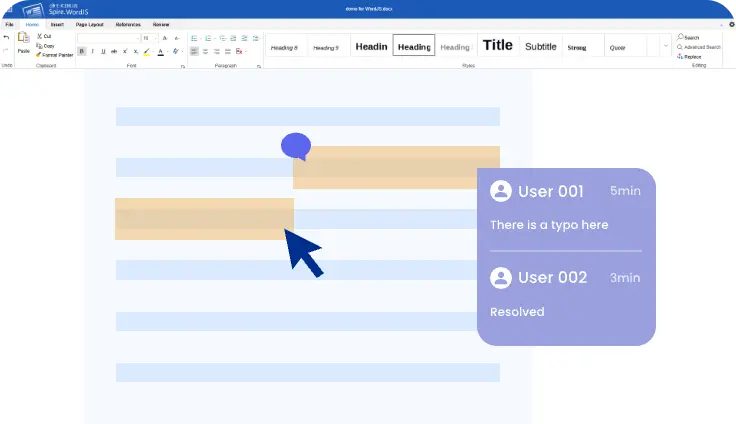
Spire.WordJS supports collaborative document review by allowing applications to display comments and annotations from multiple users, helping teams manage feedback, discussions, and review workflows in a controlled editing environment.
Spire.WordJS is built on a mature document parsing engine that accurately retains original layouts, styles, tables, headers, footers, and footnotes when loading and rendering Word documents.

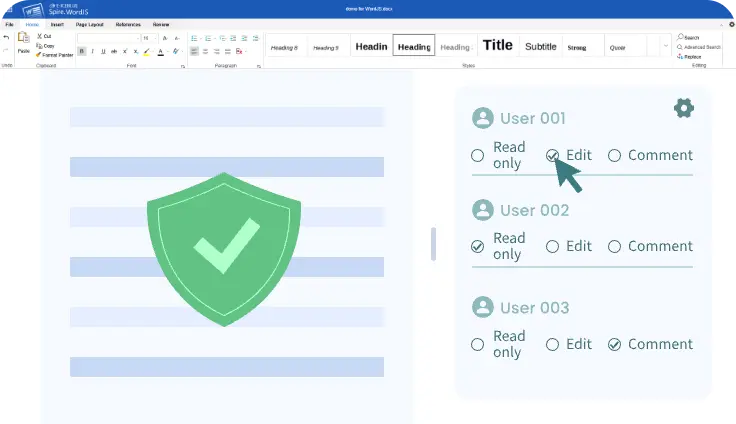
Spire.WordJS supports role-based access control, enabling administrators to define read-only, edit, or comment permissions per user or role. It also applies static file encryption to protect stored documents.
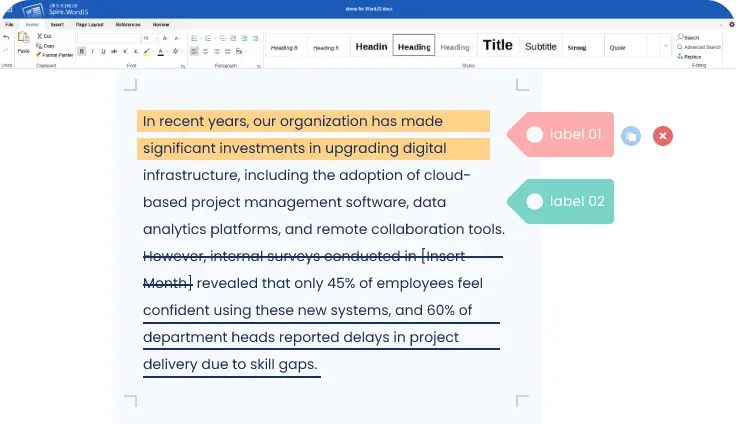
Spire.WordJS supports text highlighting, underline and strikethrough formatting, comments, and tag management for structured content marking during document review, proofreading, and approval workflows.
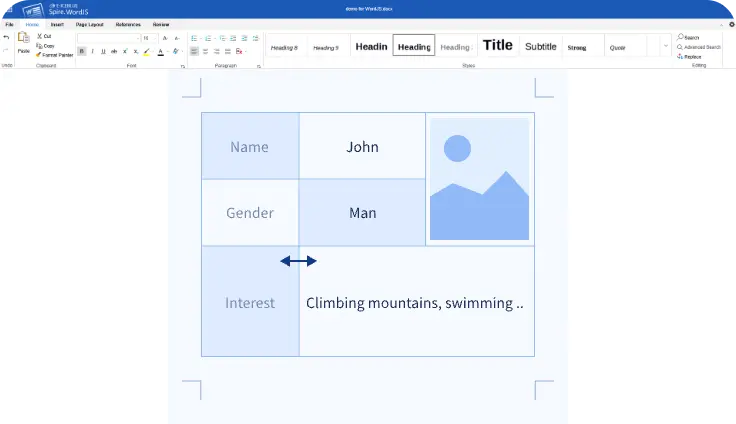
You can insert and edit tables, images, and graphic objects with flexible size, style, and layout controls with Spire.WordJS, ensuring documents remain clear, well-structured, and visually consistent.
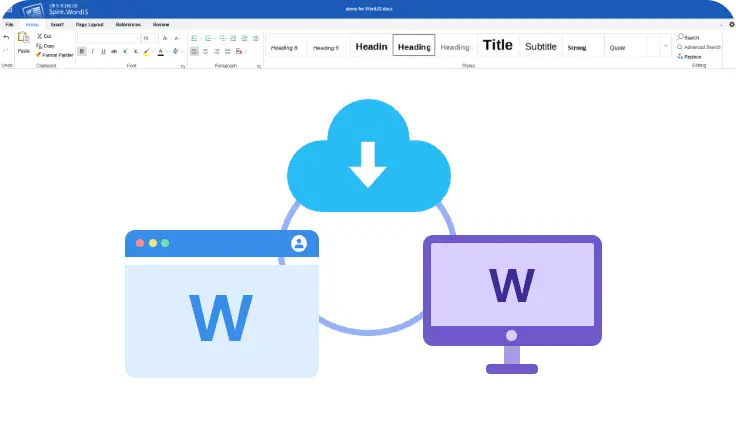
Spire.WordJS provides cloud-based storage and synchronization across web and desktop environments, allowing documents to be accessed, edited, and shared consistently across devices.
Supports document creation, editing, conversion, and annotation, enabling a wide range of enterprise use cases such as office productivity, training, approval processes, and automation.
Built for strong compatibility with Microsoft Office formats, Spire.WordJS preserves document layouts, styles, tables, and footnotes, helping reduce formatting issues and unnecessary rework.
A fully web-based solution that runs in all major browsers. No client-side installation is required, allowing teams to get started immediately while lowering deployment and maintenance overhead.
Offers well-defined REST APIs and SDKs for smooth integration with existing systems, business platforms, and automated workflows, supporting scalable and flexible document solutions.
Supports multi-region deployment and automated backup strategies, combined with enterprise-grade access control to meet strict security and compliance standards.
Provides multiple licensing models to fit different business scenarios, along with configurable features that help balance cost, performance, and operational needs.