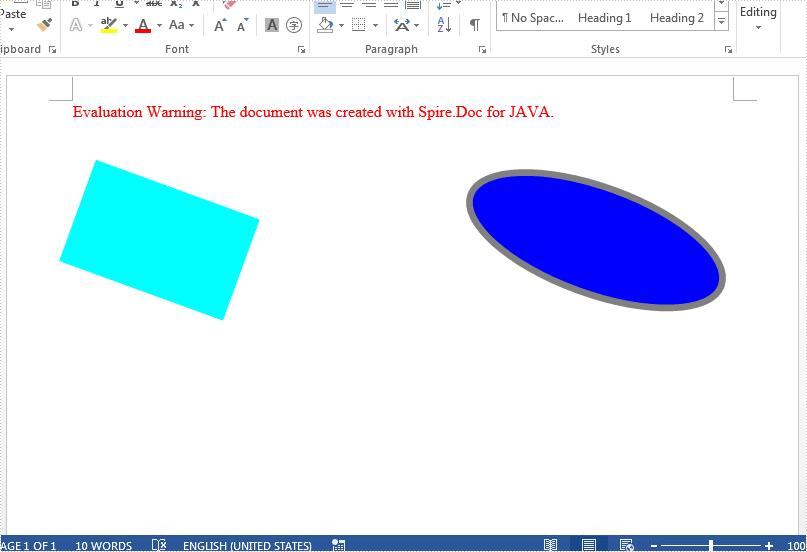
This article demonstrates how to rotate shapes on a Word document using Spire.Doc for Java.
import com.spire.doc.Document;
import com.spire.doc.DocumentObject;
import com.spire.doc.FileFormat;
import com.spire.doc.Section;
import com.spire.doc.documents.*;
import com.spire.doc.fields.ShapeObject;
public class RotateShape {
public static void main(String[] args) throws Exception {
//Load the Sample Word document.
Document doc = new Document();
doc.loadFromFile("InsertShapes.docx");
//Get the first section
Section sec = doc.getSections().get(0);
//Traverse every paragraphs to get the shapes and rotate them
for ( Paragraph para: (Iterable<Paragraph>) sec.getParagraphs()) {
for (DocumentObject obj : (Iterable<DocumentObject>) para.getChildObjects()) {
if (obj instanceof ShapeObject) {
((ShapeObject) obj).setRotation(20);
}
}
}
//Save to file
doc.saveToFile("output/RotateShape.docx", FileFormat.Docx);
}
}
Effective screenshot after rotating the shapes on word: