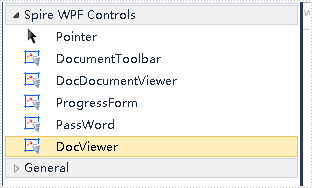
In this document, I will introduce you how to add Spire.DocViewer controls to Toolbox for WPF application.
How To
Right-click on the blank part of the Toolbox - "Add Tab" - name the new Tab "Spire WPF Controls":
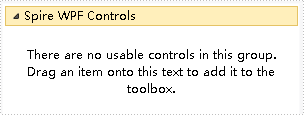
Right-click on the blank part below "Spire WPF Controls" - "Choose Items" - "WPF Components" - "Browse" to the "Bin" folder - find the file "Spire.DocViewer.Wpf.dll" - "Open".
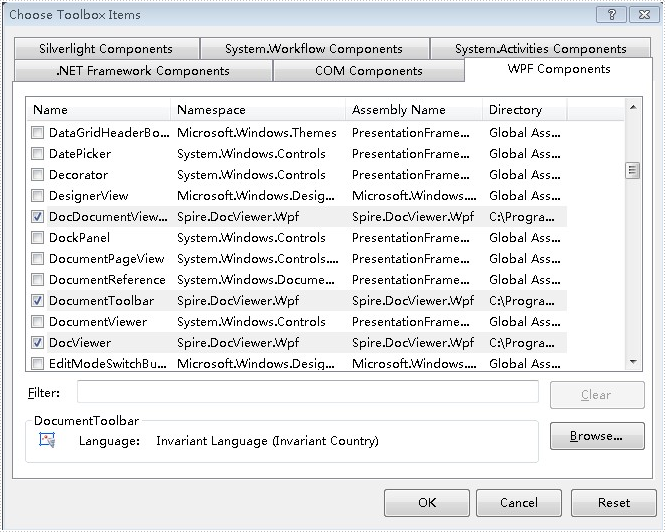
Click "OK". Then you have added controls to Toolbox successfully.