Demos (16)
Children categories
In this document, I will introduce you how to add Spire.DataExport controls to Toolbox for Windows Forms application.
How To
If you have already installed Spire.DataExport, you can add controls this way:
"Start" - "Programs" - "e-iceblue" - "Spire.DataExport" : Click "Add Controls into VS Toolbox".
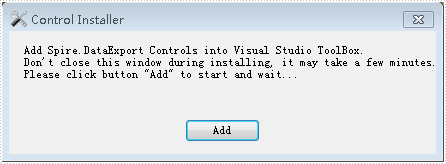
Click "Add" to add controls.
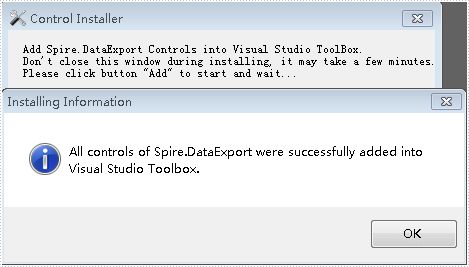
How To
Right-click on the blank part of the Toolbo - "Add Tab" - name the new Tab "Spire Controls":
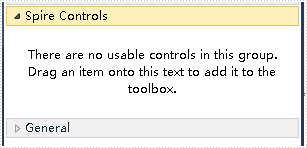
Right-click on the blank part below "Spire Controls"- "Choose Items" - ".NET Framework Components" - "Browse” to the "Bin" folde - find the file "Spire.DataExport.dll" -"Open".
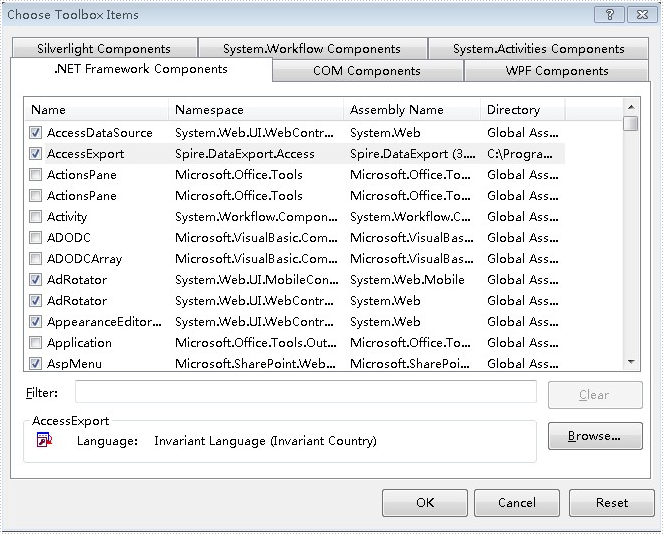
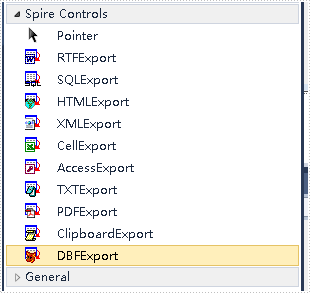
Click "OK". Then you have added controls to Toolbox successfully.
This sample demonstrates how to export data table to text/sylk/csv/dif file.
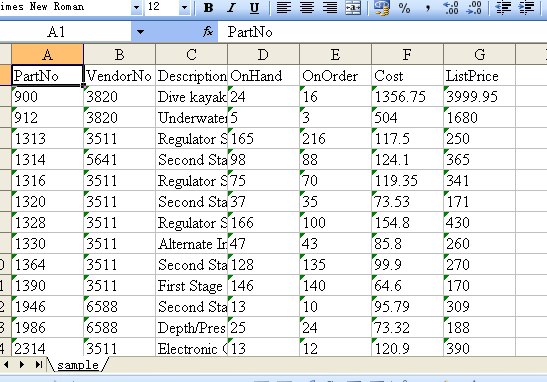
The picture above represents using Excel application to open a SYLK type output file.
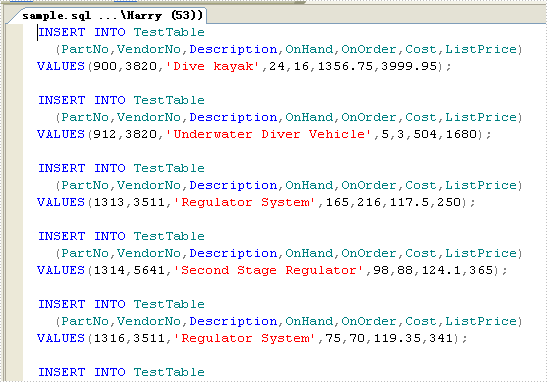
This sample demonstrates how to export data table to sql script.