Free Plugin for Spire.Doc for .NET
Local AI Plugin for
Word Document Processing in .NET
Word Document Processing in .NET
Bring AI-powered document processing to your local environment with Spire.Office.EdgeAI.Doc
Use a ready-made AI model to translate, summarize, review,
and extract information from Word documents — with no cloud-based AI processing required.
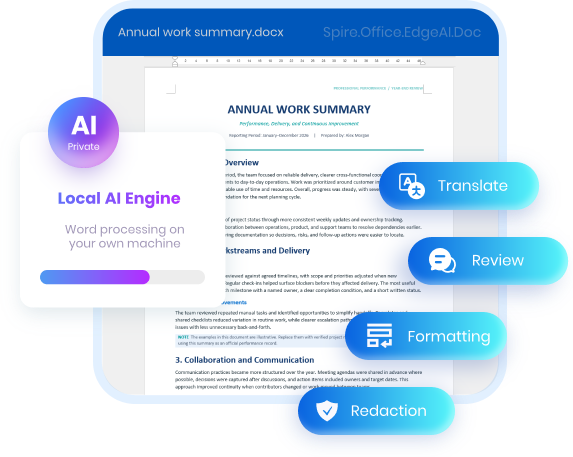
100% local & private
Run AI models locally on your own machine, with no cloud-based processing.
Ready-to-Use Model
Get started with an existing AI model, with no need to train one from scratch.
Lightweight & CPU-Friendly
Runs on a standard CPU, with no need for a dedicated GPU or high-end hardware.
◈ Free optional plugin download · Ready-to-use local AI model ·
Integrates with Spire.Doc for .NET
Real Documents. Real AI Results.
Explore practical examples of how Spire.Office.EdgeAI.Doc processes Word documents,
from the original file to the result.
from the original file to the result.
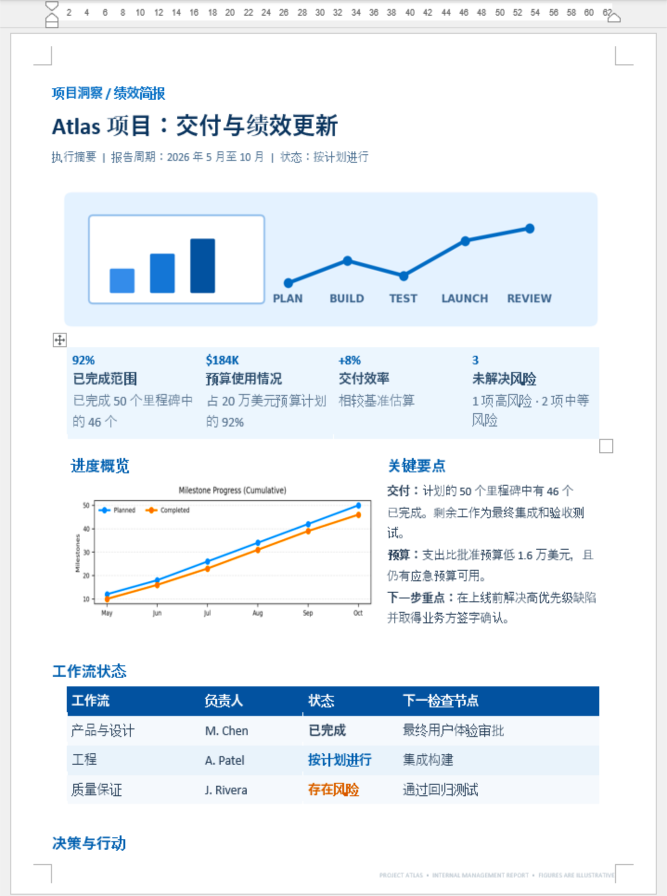
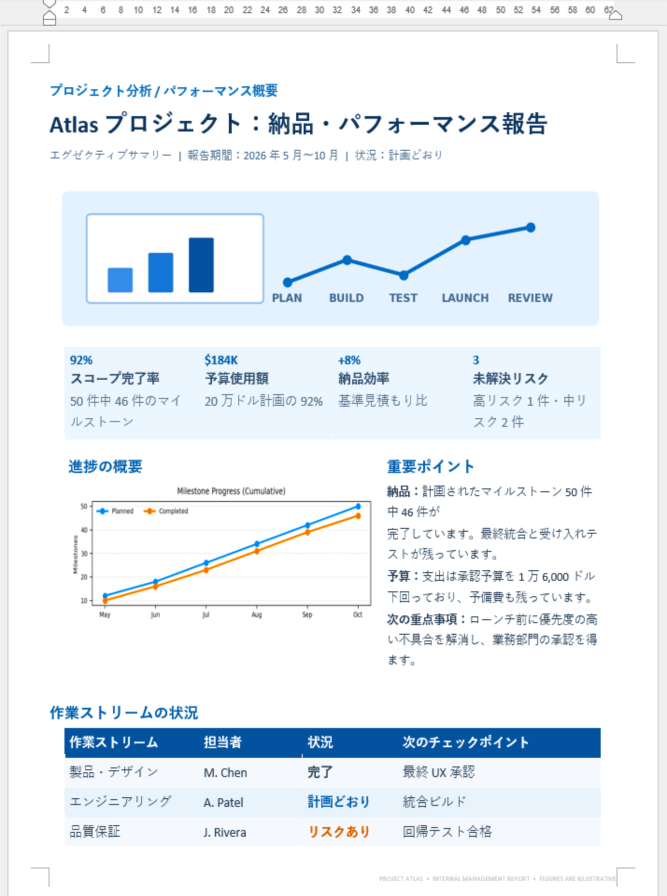
Translate a Word document into any language.
Use local AI to translate Word documents while preserving
their original meaning and structure.
their original meaning and structure.
API call
var document = new Document();
document.LoadFromFile("input.docx");
await document.TranslateAsync("en-US");
document.SaveToFile("output.docx", FileFormat.Docx2016);
Input: English .docx
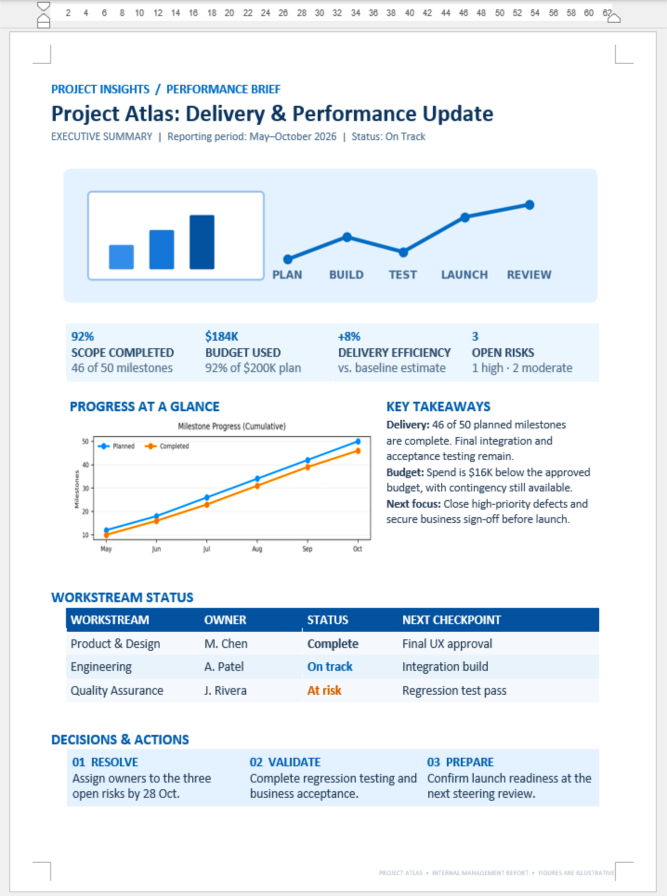
Output: multiple languages
More Than Reading. Smarter
Word Document Processing with AI.
Word Document Processing with AI.
Spire.Office.EdgeAI.Doc brings local AI into Word document workflows, from translation and formatting to redaction, field
extraction, and compliance review. It goes beyond understanding content to help applications process documents
while preserving their structure and making results easier to review.
extraction, and compliance review. It goes beyond understanding content to help applications process documents
while preserving their structure and making results easier to review.

Consistent Word Formatting
Use AI to normalize typography, paragraph styles, and spacing for a clean, consistent document layout.

Local AI for .NET
Integrate local AI capabilities into .NET applications to process Word documents without relying on external AI service APIs.

Context-Aware Processing
Use local AI to understand document content and handle tasks such as translation,
field extraction, and contract review based on context.

Structured Data Extraction
Turn information in Word documents into structured fields, from contract parties and amounts to equipment lists.
How Spire.Office.EdgeAI.Doc
works in Spire.Doc for .NET
works in Spire.Doc for .NET
Connect your .NET applications to a built-in local AI model and bring AI-powered
document processing to your existing Spire workflows—no cloud services or GPU required.
document processing to your existing Spire workflows—no cloud services or GPU required.
Your environment
Your .NET app
Spire.Doc loads and manages the Word document,
ready for AI-powered processing.

Local AI plugin
Add the plugin to your .NET project to enable
AI-powered Word processing.
Local AI model
Process Word documents locally on a standard
CPU—no cloud services or dedicated GPU required.
100% local private AI · Ready-to-Use AI model · Runs on a standard CPU
· Data Stays on Your Device
· Data Stays on Your Device
AI Features
for Word Documents
for Word Documents
All features run locally, processing
Word documents without sending data to the cloud.
Word documents without sending data to the cloud.

Document
Intelligence
Understand Word document content and identify the information that matters most.

Structured Field
Extraction
Extract specific details such as contract parties, dates, amounts, and equipment lists into structured data.

Contract Analysis &
Compliance
Review contract terms, detect potential risks, and check content against predefined compliance rules.

Content Generation &
Conversion
Create business documents from instructions, refine existing content, and convert Word files into other formats.
And more: Structured field extraction, contract analysis, and content generation for Word documents. New features are added continuously.
100% local private AI for documents
that stay inside your network.
that stay inside your network.
Contracts, financial records and internal reports are among the most sensitive files a business holds —
so everything is processed on your own machine, with nothing sent outside.
so everything is processed on your own machine, with nothing sent outside.
100% Local, No Upload
The model runs on your own machine or server.
Document content is never sent to an outside AI service.
Document content is never sent to an outside AI service.
Ready-Made Model, Runs on CPU
The plugin ships with a ready-to-use model and runs
well on a standard CPU — no high-end hardware needed.
well on a standard CPU — no high-end hardware needed.
Built for Strict Environments
Fits enterprise document work with tight information security
rules, where files cannot leave the internal environment.
rules, where files cannot leave the internal environment.
Cloud AI service
Local AI plugin
Where the file
is processed
is processed
On a provider's
servers
servers
On your own
machine or server
machine or server
What leaves
your network
your network
Your document
content
content
Nothing —
no upload at all
no upload at all
Who can see
the content
the content
Depends on the
provider's terms
provider's terms
Only you —
100% local
100% local
What you need
to run it
to run it
Cloud subscription
& GPU
infrastructure
& GPU
infrastructure
A standard CPU is
enough —
no high-end
hardware needed
enough —
no high-end
hardware needed
Add Spire.Office.EdgeAI.Doc
to your .NET app in three steps
If you have already loaded a document with
Spire.Doc for .NET, you already know most of it.
1
Add the plugin
Download the local AI plugin and reference it for your project next to Spire.Doc for .NET.
2
Start the local engine
Create the engine once. It loads the model on your own machine or server.
3
Call a feature on your document
Pass the Word document to the engine, then save the processed file as usual.
C# example: translate a Word document
using Spire.Doc;
using Spire.Office.EdgeAI;
using Spire.Office.EdgeAI.Doc;

var document = new Document();
document.LoadFromFile("input.docx");
await document.TranslateAsync(TranslateLanguage.English);
document.SaveToFile("output.docx", FileFormat.Docx2016);
Put AI to work
on documents that
can't leave.
The local AI plugin is free of charge and downloads separately
from Spire.Doc for .NET. Planning an enterprise deployment?
Talk to us.


